Superinbox vs Superhuman
AI-Native Email vs Speed-First Interface

Top 5 Reasons people & teams Choose SuperInbox Over Superhuman
The Biggest Differences: When We Were Born
First, massive respect to the Superhuman team. They pioneered the premium email client category in 2015 and showed the world that people would pay for a better email experience.
If you're evaluating SuperInbox as an alternative to Superhuman, you're comparing two fundamentally different approaches to email productivity.
The core difference? Superhuman was born in 2015. We were born in the AI era.
2015 Problems vs 2025 Problems
When Superhuman launched, the problem was clear: Gmail and Outlook were slow, ugly, and painful to use. Their solution? Build a completely new email client from scratch. Brilliant for 2015.
But here's the thing - Gmail and Outlook caught up. They're fast now. They're pretty. They have dark mode, keyboard shortcuts, and thousands of integrations.
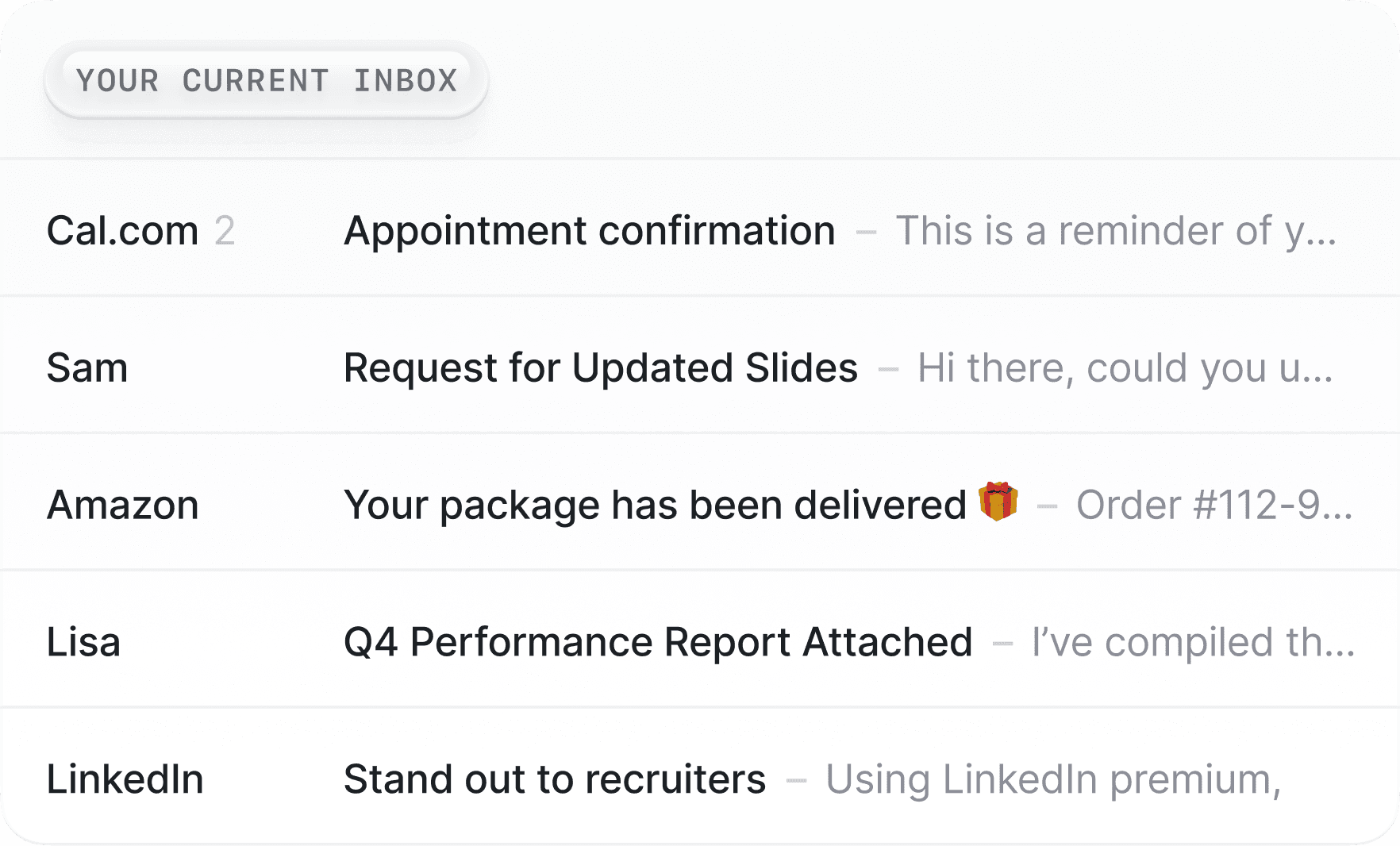
The problem in 2025 isn't the interface anymore. It's the 150 emails waiting for you every morning. It's finding context from a conversation six months ago. It's actually getting to inbox zero every night.
Reason #1
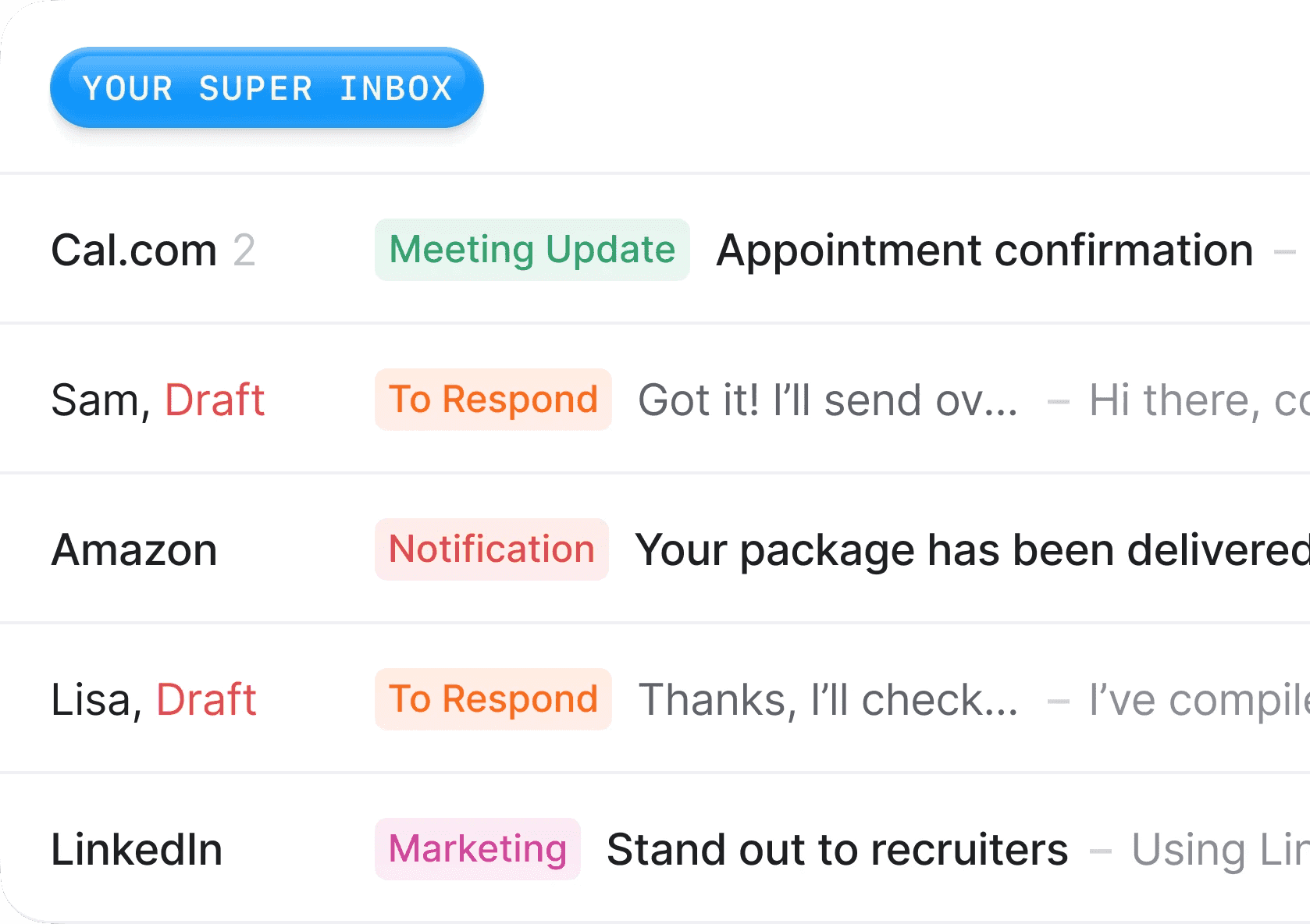
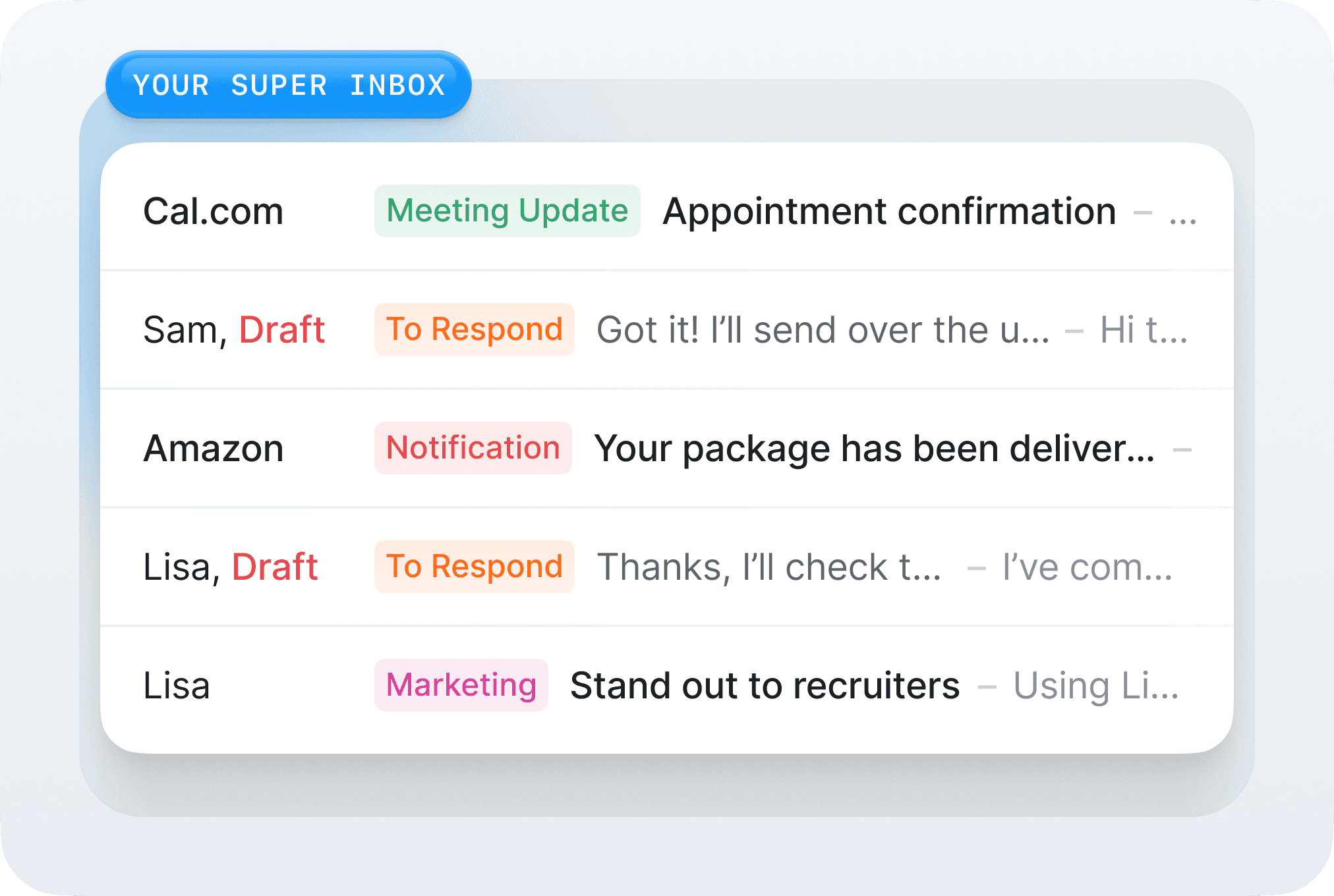
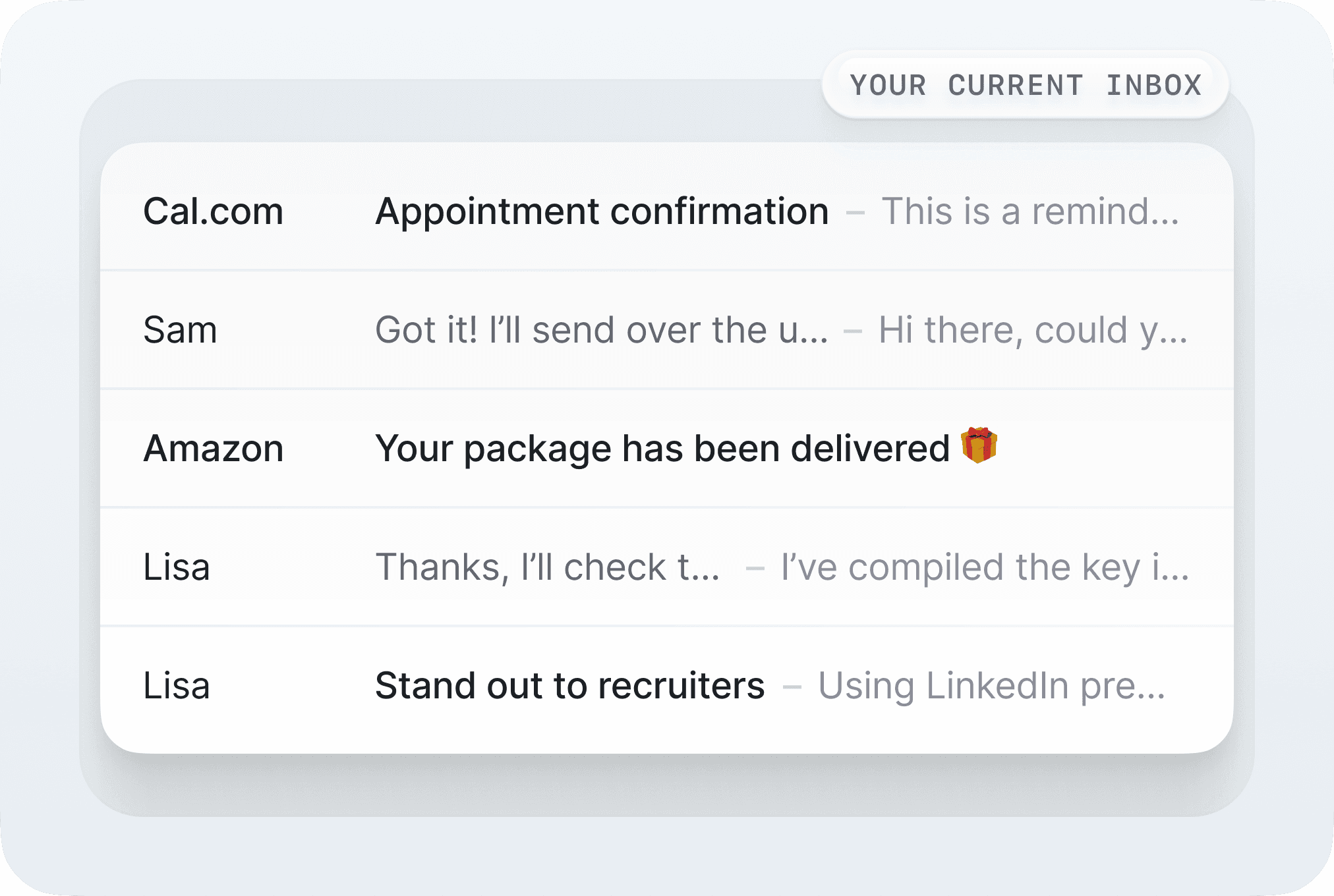
We live INSIDE your Gmail or Outlook (we don’t replace It)
This is the fundamental difference that changes everything.
Superhuman creates a separate interface that replicates your emails. You have to:
Leave your familiar Gmail or Outlook environment
Lose ALL your browser extensions or add-ons
Learn an entirely new interface and get used to it
SuperInbox works directly INSIDE Gmail and Outlook:
Your interface stays exactly the same
Keep every single extension you rely on
Nothing new to learn - it just works
One customer told us: "I tried Superhuman for a month. Losing my Gmail extensions was like losing my right arm. With SuperInbox, I keep everything AND get AI superpowers."
Reason #2
Try Free Forever (vs Superhuman's $30/month Gatekeeping)
Superhuman approach:
$30/month minimum, paid upfront
No free trial whatsoever
The product is literally gatekept behind a paywall
SuperInbox approach:
Free tier available forever
Test all core features without paying
No credit card required
Upgrade to paid plans only when you see value for you
We believe in our product so much that we let you try it first.
Reason #3
AI-Native vs AI-as-an-Afterthought
Superhuman (2015 DNA): They built their whole product way before AI and LLM became a thing. They added some AI features later on, but it’s still:
Generic autocomplete
Basic templates
Simple suggestions
SuperInbox (AI-Native DNA): We built the whole product from scratch around AI technologies. It’s our core feature and a topic we master. Our product:
Learns YOUR writing style, not generic ChatGPT output
Understands your company context from documents/PDFs
Retrieves and uses relevant info from years of email history
The difference? Superhuman has a few AI features. SuperInbox is an AI product.
Reason #4
5 Minutes to Value vs 3 Weeks of Training
Superhuman re-built an email client which means a complete new interface to learn. It takes time and efforts to learn it, and they used to force an onboarding call with their team before you could even signup. Their product is great, but because of this learning curve, your productivity actually drops initially.
At SuperInbox, we decided to not take the classical path of “let’s rebuild emails from scratch”. We believe that Gmail and Outlook are good products and that they’re not the problem of email overwhelming. This is why we decided to perfectly integrate our AI features to their standard menus and interface.
You connect your account in 3 minutes, let AI learn your patterns for a few minutes and then it just works. You have zero learning curve, don’t change your usual tools, and get more productive from day one.
Reason #5
We Solve Different Problems
Superhuman solves the 2015 problem: "Email interfaces are slow and ugly"
Solution: Beautiful, fast interface
Result: You can process emails faster (but still have to write them)
SuperInbox solves the 2025 problem: "I spend 2 hours a day writing emails"
Solution: AI that writes like you
Result: You don't write emails anymore, you just review and send
Think about it: What takes more time - clicking through emails or actually writing thoughtful responses?
Feature Comparison
Feature | SuperInbox | Superhuman |
|---|---|---|
Pricing | Free tier available | $30/month minimum |
Free Trial | ✅ Yes (forever) | ❌ No |
Location | Inside Gmail/Outlook | Separate app |
Keep Extensions | ✅ All of them | ❌ Lose everything |
Setup Time | 5 minutes | Onboarding call required |
AI Writing Style | ✅ Learns yours | ⚠️ Generic |
Knowledge Base | ✅ Add your docs | ❌ No |
Calendar Integration | ✅ Smart scheduling | ⚠️ Basic |
Learning Curve | None | Yes |
The Philosophy Gap
Superhuman believes a new interface will make you save time.
We believe that a carefully crafted AI working for you will you save time.
Who Should Choose What?
Choose Superhuman if:
You love learning new interfaces
Keyboard shortcuts excite you
You don't mind losing your extensions or don’t have any
You want a beautiful, separate email app
Choose SuperInbox if:
You want to keep your Gmail or Outlook inbox
You need your extensions
You want AI to help you answer faster to emails
You prefer trying before buying
You want an AI that actually mimics your tone of voice and habits
FAQ
Do I need to leave Gmail/Outlook?
No! That's the whole point. SuperInbox works inside your existing email client. Superhuman requires you to abandon it entirely.
What about my extensions?
You keep ALL of them. Every single one. Superhuman makes you lose them all.
Is it really free to try?
Yes. No credit card needed. Use the free tier as long as you want and upgrade when you're ready. Superhuman charges $30/month from day one.
How is this different from Superhuman's AI?
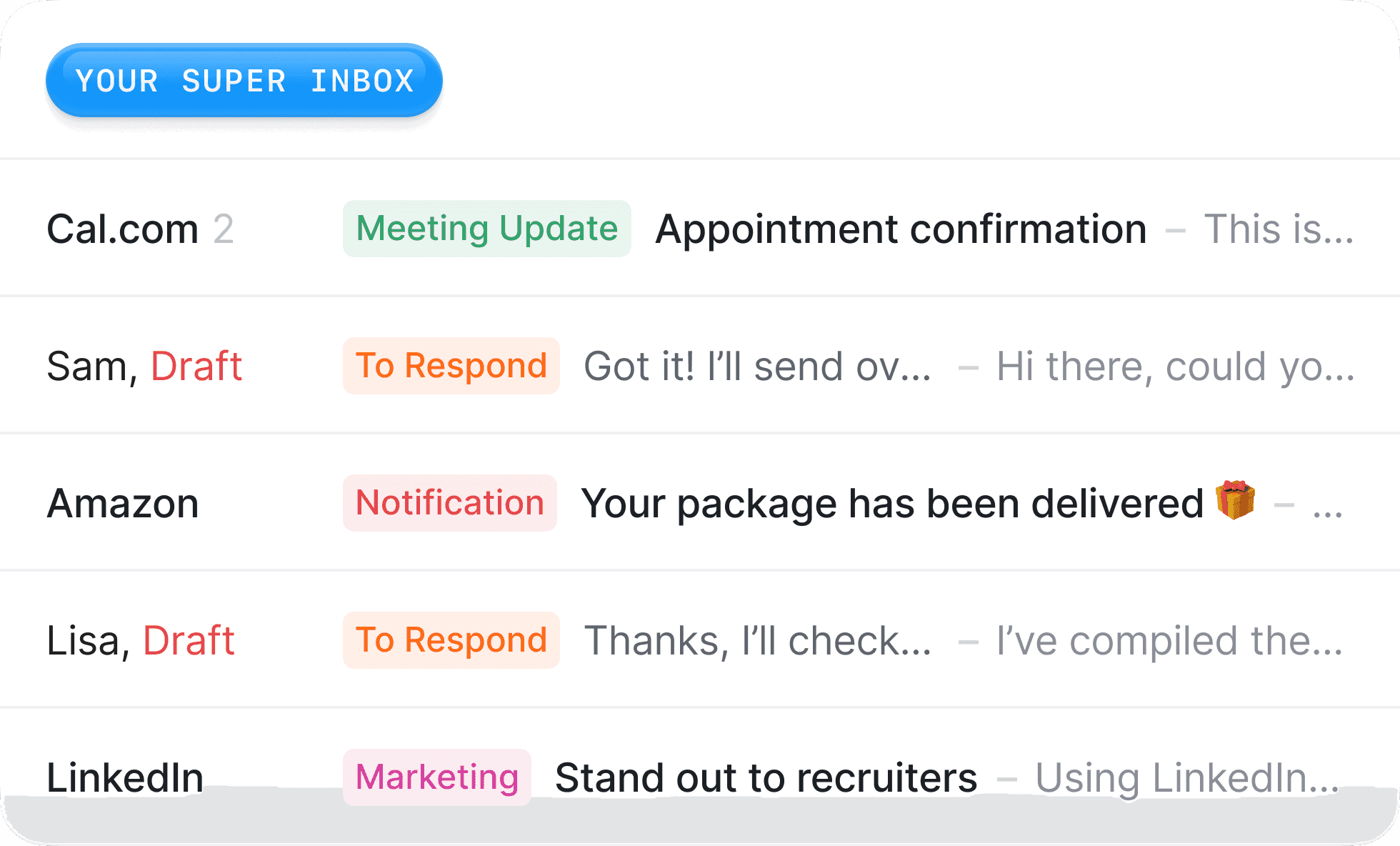
Superhuman added basic AI features to a 2015 product. We built an AI-first product from scratch. Our AI features like the draft are much better because they use far more context and actually mimic your actual tone of voice. It’s not a standard AI-generated answer, it’s what you would have actually written.