Superinbox vs Microsoft Copilot in Outlook
Enterprise AI vs Focused Email Intelligence

Top 5 Reasons Professionals Choose SuperInbox Over Copilot
The Biggest Difference: Enterprise Suite vs Email Specialist
Microsoft Copilot is an impressive achievement - bringing AI to the entire Microsoft 365 ecosystem. When you're Microsoft, serving hundreds of millions of enterprise users, you build AI that needs to work across Word, Excel, PowerPoint, Teams, and Outlook. That breadth is both their strength and their constraint.
We built SuperInbox to do one thing exceptionally well: make email effortless for busy professionals. While Copilot needs to be a jack-of-all-trades across the entire Office suite, we can obsess over every detail of the email experience. That focus makes all the difference.
The Enterprise Integration Reality
Microsoft Copilot in Outlook costs $30 per user per month, but here's the catch - you're not just buying email AI. You're buying AI for the entire Microsoft 365 suite, whether you need it or not. It's like being forced to buy a Swiss Army knife when all you need is a really good blade.
For large enterprises already deep in the Microsoft ecosystem who need AI everywhere, that makes sense. But for professionals who just want their email to work better, it's paying for features you'll never use. SuperInbox focuses entirely on perfecting your email workflow. Every dollar goes toward making email better, not subsidizing AI for PowerPoint presentations you'll never make.
Reason #1
Your Knowledge, Your Context, Your Voice
Microsoft has to build Copilot for hundreds of millions of enterprise users across every industry and use case. They can't deeply personalize for each user - the computational cost and complexity would be astronomical. So they optimize for safe, professional, generic responses that work for everyone from interns to CEOs. It's the right choice for their enterprise scale, but the final output is too generic to be truly useful for most power users.
We built SuperInbox specifically for busy professionals who send dozens of emails daily. Our smaller scale is our advantage - we can build a dense, personalized knowledge base for each user. Upload your company documents, project briefs, standard operating procedures. Our AI learns from your past emails, understanding not just what you say but how you say it. When it drafts responses, colleagues can't tell the difference between you and the AI.
This isn't Microsoft's fault - when you're serving massive enterprises with thousands of different use cases and compliance requirements, you have to find the safest common ground. We chose a different path: serve fewer people but serve them exceptionally well.
Reason #2
Built for End Users vs Built for IT Departments
Microsoft Copilot is fundamentally an enterprise product that IT teams choose, deploy, and configure. The purchasing decision happens in procurement meetings, not because individual users fell in love with the product. This structural reality shapes everything: the features prioritize compliance over delight, the interface focuses on safety over speed, and the entire experience feels like enterprise software because it is enterprise software.
The result? Copilot in Outlook works, but it feels like a feature Microsoft had to ship rather than wanted to perfect. The AI suggestions are functional but uninspiring. The integration exists but isn't seamless. It's checking a box on the Microsoft 365 roadmap more than solving anyone's actual email pain. This isn't surprising - when your real customer is the IT department, not the person drowning in email, the product reflects those priorities.
SuperInbox takes the opposite approach. We're a prosumer product - built with consumer-grade user experience and enterprise-grade security. We obsess over the end user experience because we know that's what drives real adoption. Our users choose us, not their IT departments. This forces us to build something people actually want to use, not just something that passes security audits. The difference shows in every interaction: our AI drafts feel natural, our interface disappears into your workflow, and our features solve real problems you face every day.
Reason #3
Deep Email Context vs Surface-Level Suggestions
Copilot in Outlook can summarize email threads and suggest responses, but because it serves so much people, it can't build a deep, persistent knowledge base about your communication style, your ongoing projects, or your company's specific terminology. Every interaction starts relatively fresh, limited to the current thread context.
SuperInbox builds a comprehensive understanding of you. Upload your SOPs, project documents, and company guidelines. Our AI learns your writing patterns, remembers context from months ago, and understands the nuances of how you communicate with different people. After a week, it's not just suggesting responses - it's writing exactly as you would write.
Reason #4
Automatic Workflow vs Manual Prompting
With Copilot, you still drive every interaction. Click to summarize. Click to draft. Select your tone. Choose your length. Review, edit, send. It's AI assistance, but you're still the one doing the work, just with a better assistant.
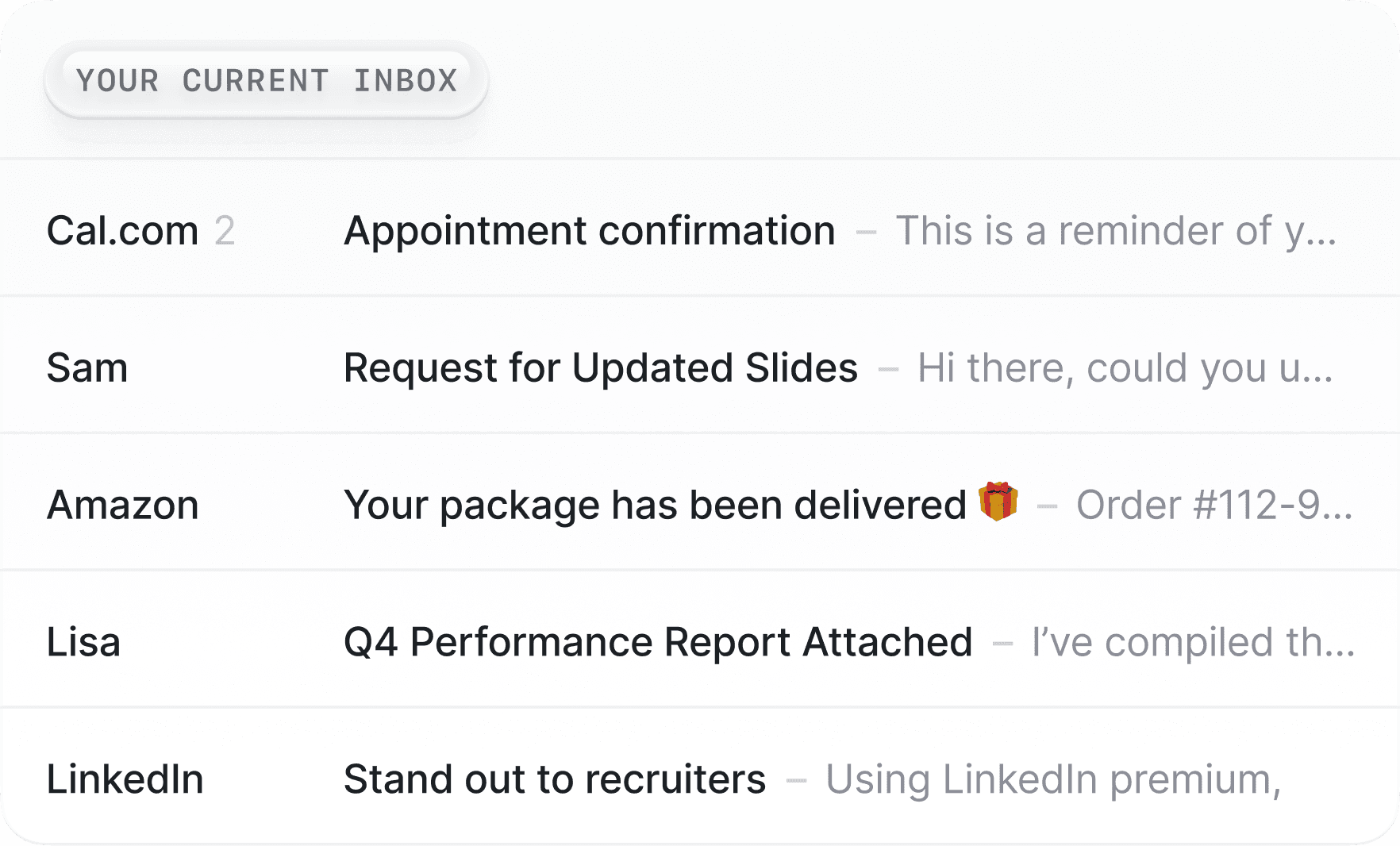
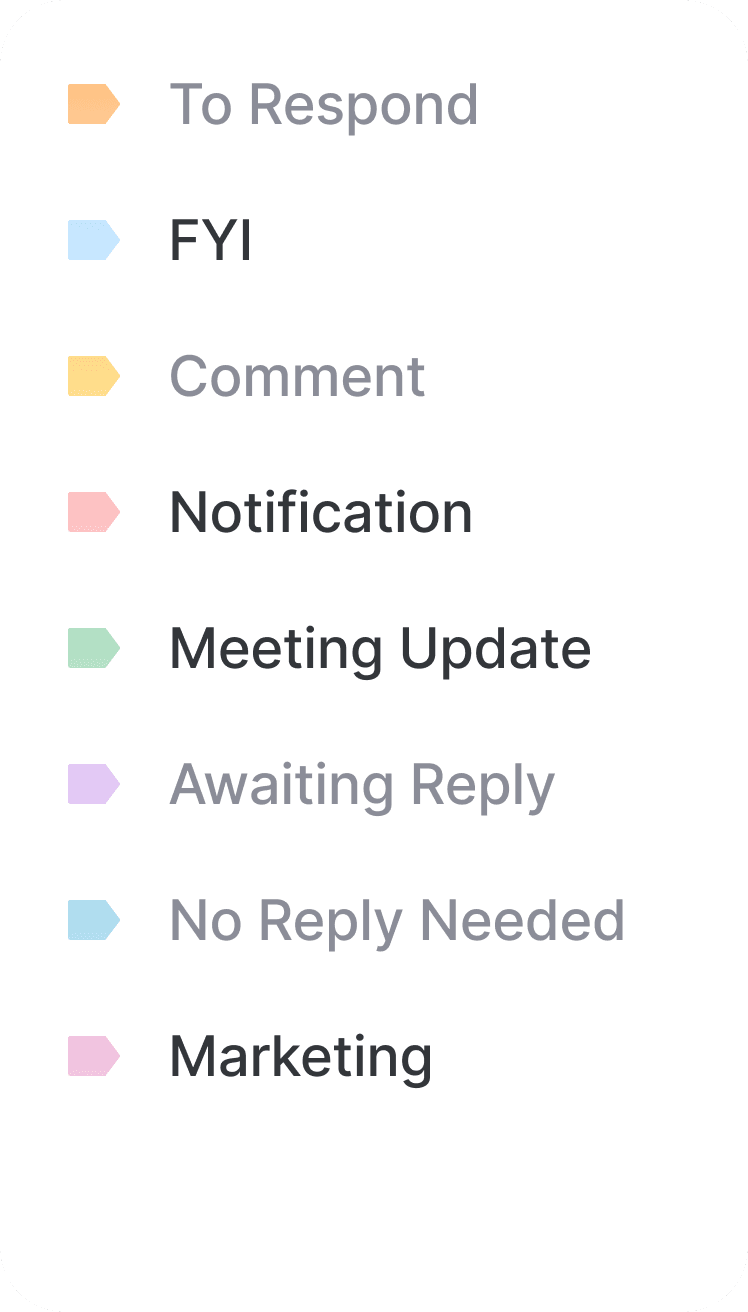
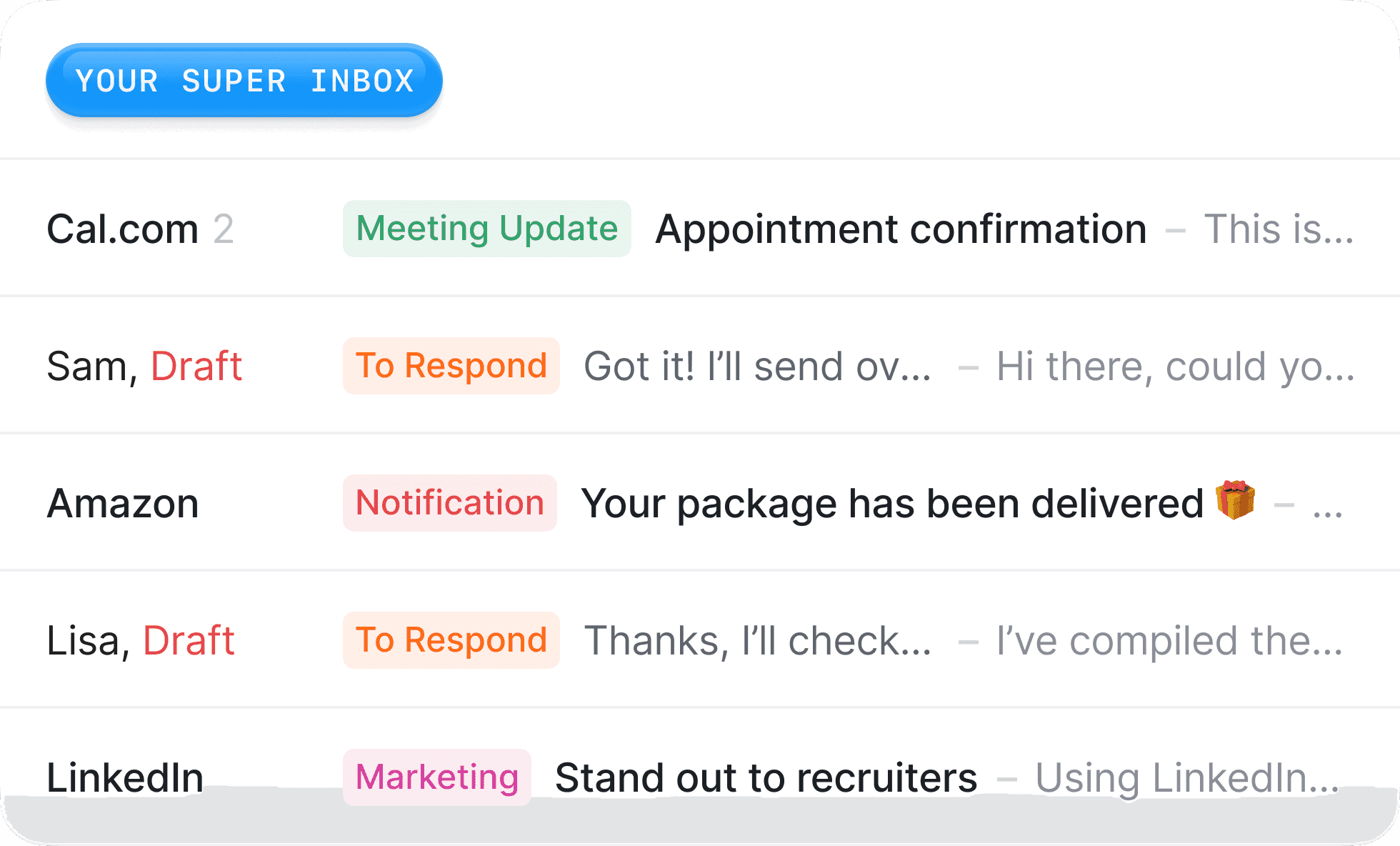
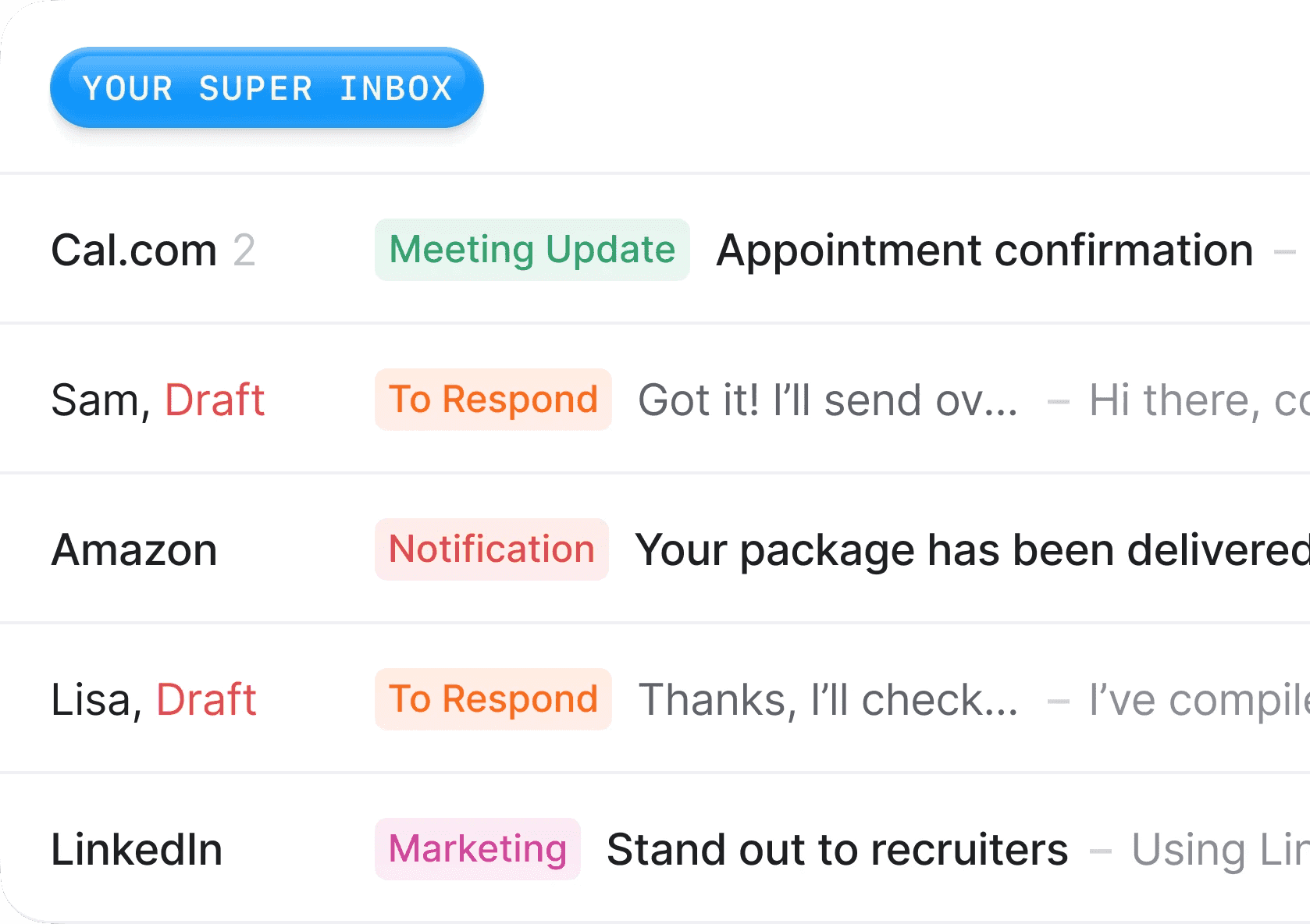
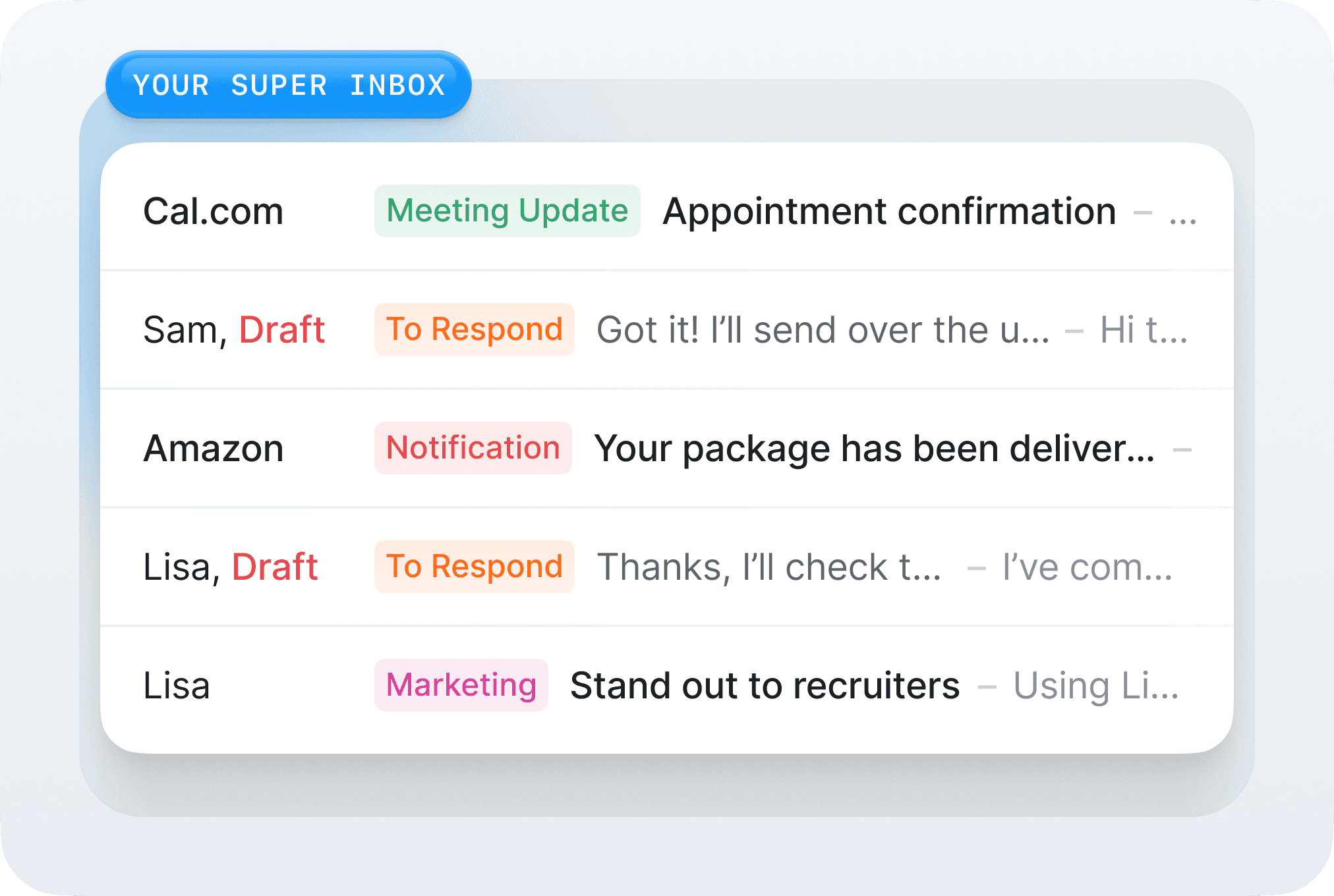
SuperInbox flips this model. Drafts appear automatically when you open emails. Your inbox organizes itself based on rules you set once. Follow-ups are suggested without you asking. We don't wait for you to prompt us - we anticipate what you need and have it ready. The difference between being helped and having work actually done for you.
Reason #5
Model Flexibility vs Microsoft-Only AI
Microsoft uses their own AI models exclusively in Copilot. They partner with OpenAi which grant them access to very good models, but in the AI era age, a combination or AI models is necessary to provide a great product. Each LLM has its specification, and being limited to one set of model is like having only one tool in your tool box.
As an independent platform, we use the best model for each specific task. OpenAI's GPT-4 for certain creative tasks, Anthropic's Claude for nuanced business writing, specialized models for data extraction. We can optimize for output quality rather than corporate politics. Your emails get the best possible AI, not just the AI that happens to come from the same company.
Feature Comparison
Feature | SuperInbox | Microsoft Copilot |
|---|---|---|
Pricing | Free tier, then $18/month | $30/month per user |
Minimum Purchase | 1 user | Often enterprise-only |
Works in Gmail | ✅ Yes | ❌ No |
Works in Outlook | ✅ Yes | ✅ Yes |
Individual Adoption | ✅ Yes | ❌ Enterprise decision |
Custom Knowledge Base | ✅ Deep personalization | ⚠️ Thread context only |
Auto-drafting | ✅ Automatic | ❌ Manual prompts |
Inbox Organization | ✅ Full automation | ⚠️ Basic rules |
AI Models | Multiple best-in-class | Microsoft only |
The Quality Gap: Generic Drafts vs Actually Usable Emails
Let's talk about what actually happens when you use these tools.
Microsoft Copilot's drafting process: Click the Copilot button, wait for it to generate, read through a generic corporate-speak draft that sounds nothing like you, spend time editing it to add your personality, your context, your specific details. By the time you've fixed the draft, you might as well have written it from scratch. The AI saves you maybe 20% of the work while adding extra steps to your workflow.
SuperInbox's drafting process: Open the email, the draft is already there, perfectly matching your tone, referencing the right project context, including relevant details from past conversations. You might change a word or two, but 90% of the time it's ready to send as-is. We don't just save you time typing - we eliminate the entire task of writing emails.
The difference isn't just convenience. It's the difference between AI that creates more work (prompt, generate, edit, fix) and AI that actually removes work from your day. Our users regularly tell us they forget they're using AI because the drafts sound so naturally like them. With Copilot, everyone can tell you're using AI because every email has that same generic, overly professional tone.
The Workflow Difference
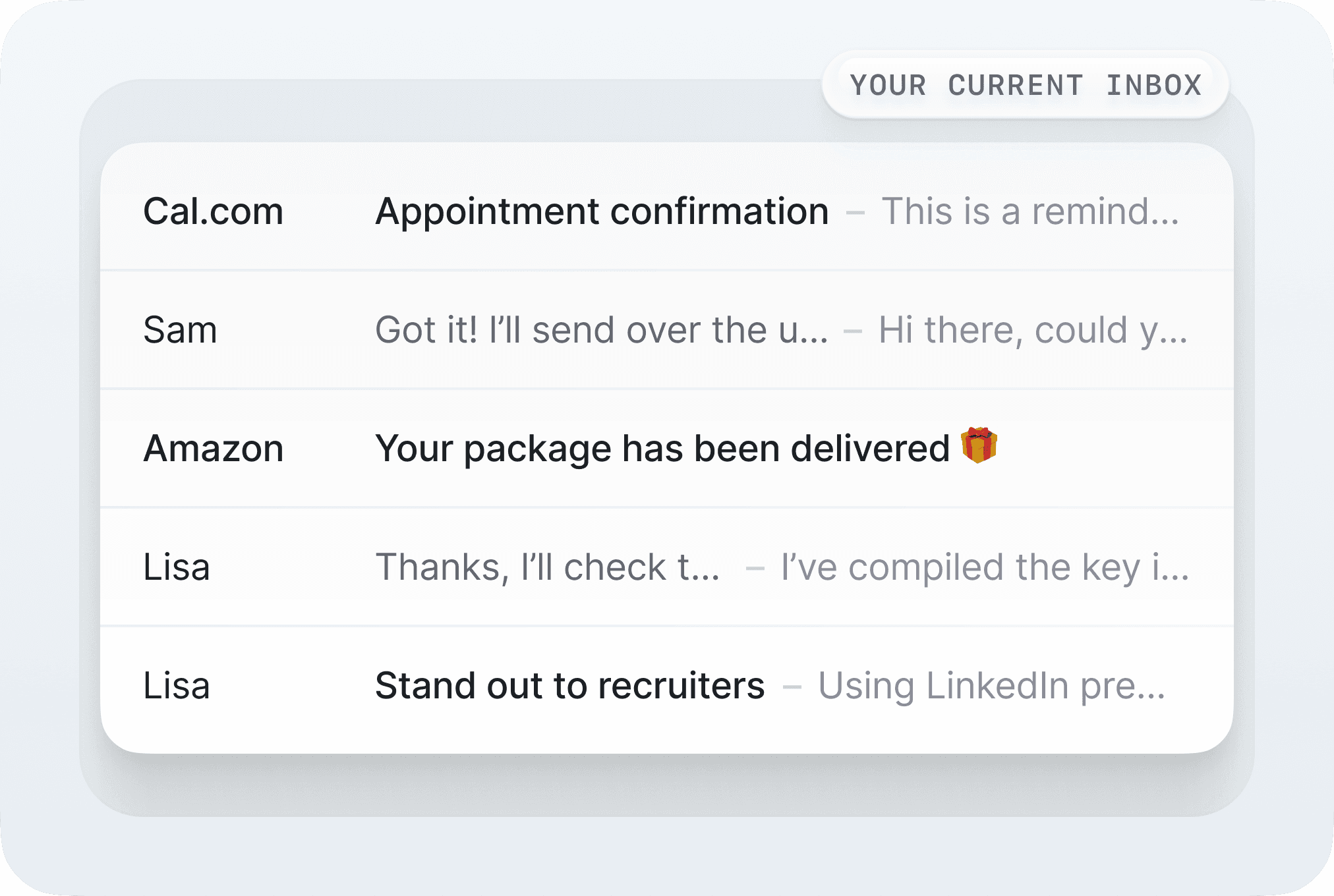
Your Monday with Copilot: Open Outlook, see 50 emails. Click on first email. Click Copilot button. Wait for summary. Click to draft response. Select tone and length. Review generic draft. Heavily edit to add your voice and context. Send. Repeat 49 more times.
Your Monday with SuperInbox: Open your inbox, see 50 emails with 50 personalized drafts waiting. Each one sounds like you, references the right context, includes your calendar availability. Scan, approve, send. What took 2 hours now takes 20 minutes.
Who Should Choose What?
Choose Microsoft Copilot if your entire company is Microsoft-exclusive, you have a big need AI across all Office applications, you don’t spend so much time in Outlook, and you're willing to pay $30/month for broad but shallow AI assistance. It's a solid choice for enterprises fully committed to the Microsoft ecosystem.
Choose SuperInbox if you want email-specific AI that actually learns your voice, works in both Gmail and Outlook, and can be started today. Perfect for professionals who measure their day in emails sent and received.
The Bottom Line: Breadth vs Depth
Microsoft built Copilot to enhance their entire suite for enterprise customers. That's an ambitious vision that requires compromises on depth for the sake of breadth.
We built SuperInbox to solve one problem perfectly: make email disappear as a time sink for busy professionals. We can go deeper on personalization, automation, and intelligence because we're not trying to also help you make PowerPoint slides or analyze Excel data.
Sometimes you need a Swiss Army knife. But when you're drowning in email, what you really need is a lifeboat built specifically for that purpose.
FAQ
Can I use SuperInbox if my company uses Office 365? Absolutely! SuperInbox works perfectly with Outlook in Office 365. You keep all your Microsoft features and add our specialized email AI on top.
What if I have both personal Gmail and work Outlook? That's exactly why we built SuperInbox to work in both. Many users connect both accounts and get consistent AI assistance across all their email.
Do I need IT approval to install SuperInbox? No. SuperInbox installs as a browser extension or add-in that you can add yourself in minutes. No IT tickets, no enterprise deployment needed.
How is this different from Copilot's email features? Copilot offers basic summarization and drafting with manual prompting. SuperInbox provides automatic drafting in your voice, learns your patterns, organizes your inbox automatically, and builds a knowledge base specific to you.
Can I try it before committing? Yes! We have a free tier that lets you test core features. Microsoft Copilot requires a paid commitment from day one, often with enterprise minimums.