Superinbox vs Google Gemini in Gmail
Real AI Assistant vs Basic Suggestions

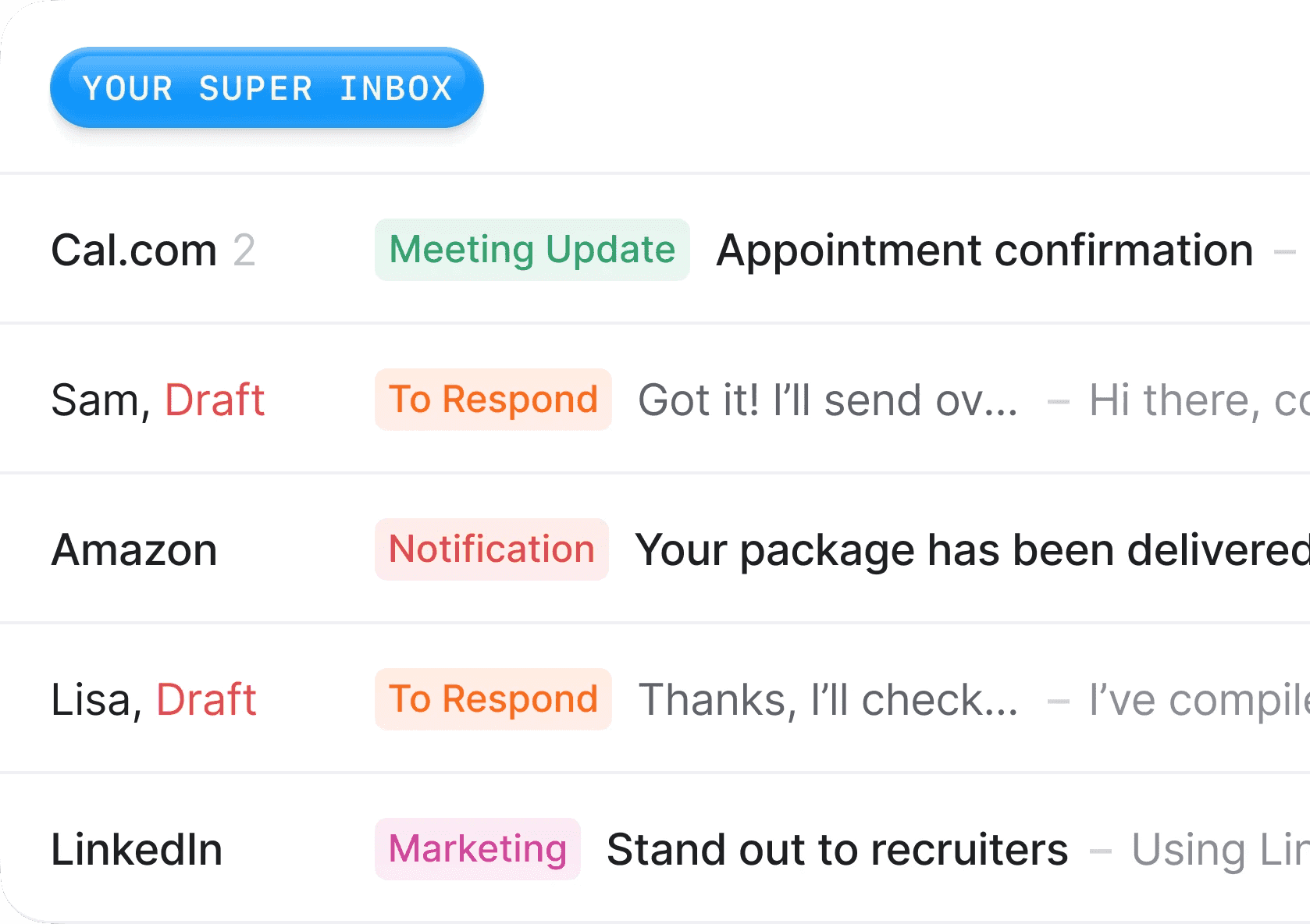
The Biggest Difference: Built for Everyone vs Built for You
Google deserves credit for bringing AI to Gmail through Gemini. With 2 billion users to serve, they've accomplished something remarkable by adding AI capabilities at that scale. But that scale comes with constraints.
When you're building for 2 billion users, you have to build generic. You can't optimize for the power user, the sales executive, or the founder drowning in email. You have to find the lowest common denominator that works for everyone from students to CEOs. That's not a flaw - it's a reality of serving humanity at scale.
We're a startup building exclusively for busy professionals. We can obsess over quality in ways Google simply can't. We can build deep personalization features that would be impossible to deploy to billions. That focus is our superpower.
The Integration Challenge at Scale
When you're Google and you need to add AI to Gmail for 2 billion users, you can't take risks. Every feature has to be bulletproof, legally compliant in 190 countries, and simple enough for your grandmother to use. That's why Gemini lives in a sidebar with manual prompting - it's the safest, most controlled way to deploy AI at that scale.
We’d like to, but we don't have 2 billion users yet, and this forces us to focus on what our users are asking: automatic drafting that appears instantly, deep personalization that learns your exact voice, and automation that actually takes work off your plate. We can iterate quickly, take feedback seriously, and optimize relentlessly for the professionals who need this most.
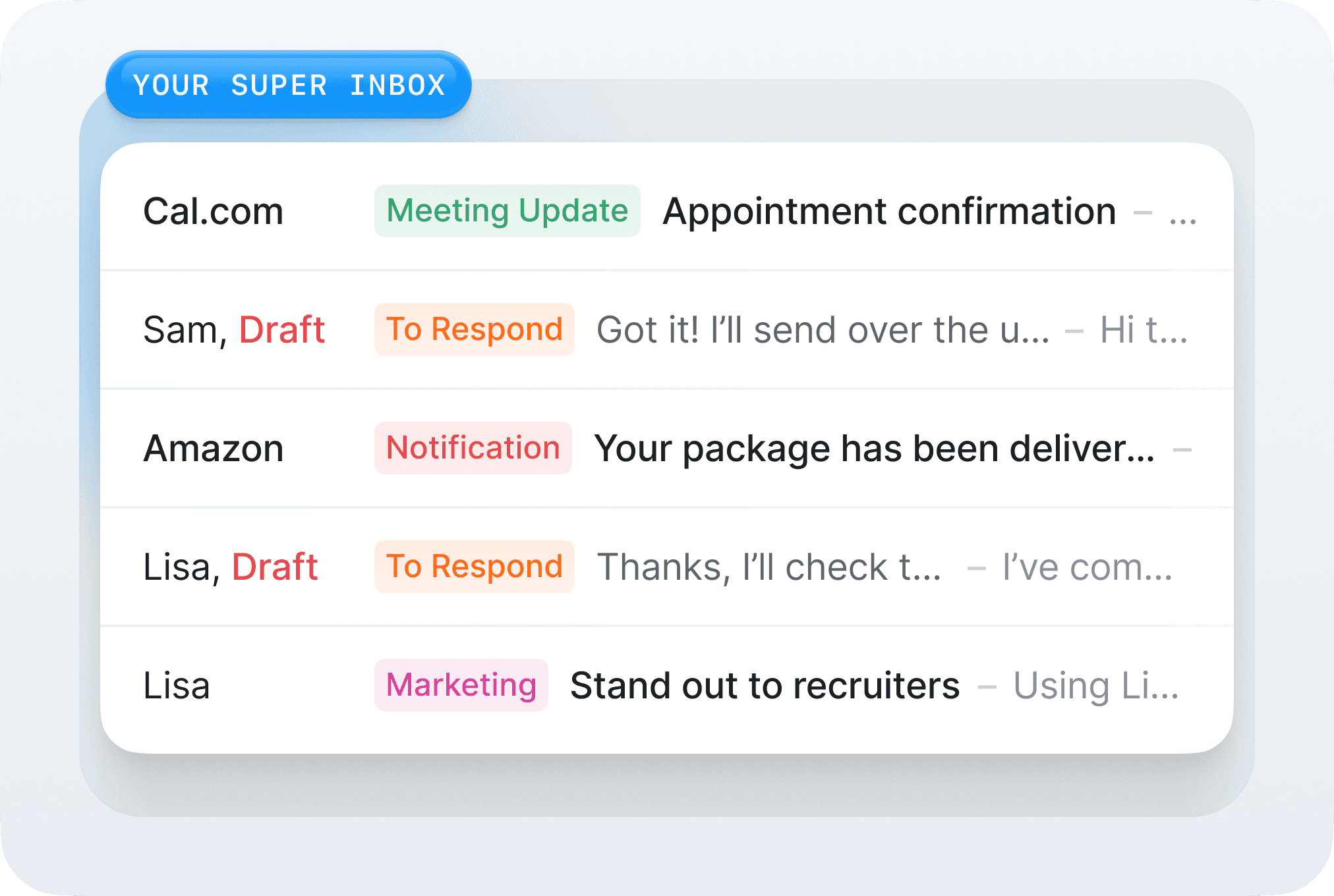
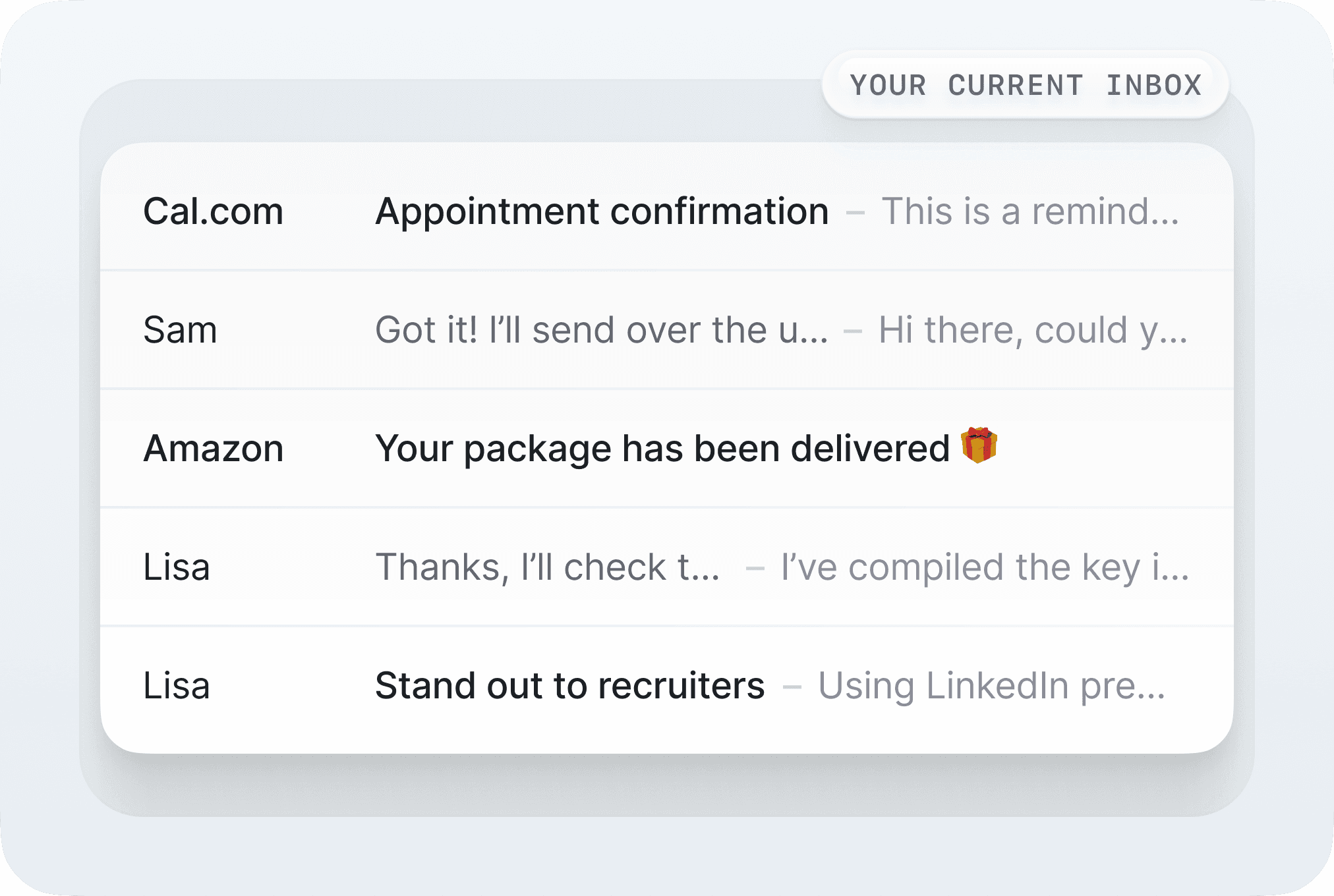
Top 5 Reasons Teams Choose SuperInbox Over Gemini
Reason #1
Your Knowledge, Your Context, Your Voice
Google has to build Gemini for 2 billion users across every industry, language, and use case. They can't deeply personalize for each user - the computational cost and complexity would be astronomical. So they optimize for safe, professional, generic responses that work for everyone. It's the right choice for their scale, but the final output is too flat to be used, and is just a waste of time for most power users.
We built SuperInbox specifically for busy professionals who send dozens of emails daily. Our smaller scale is our advantage - we can build a dense, personalized knowledge base for each user. Upload your company documents, project briefs, standard operating procedures. Our AI learns from your past emails, understanding not just what you say but how you say it. When it drafts responses, colleagues can't tell the difference between you and the AI.
This isn't Google's fault - when you're serving everyone from students to Fortune 500 CEOs, you have to find common ground. We chose a different path: serve fewer people but serve them exceptionally well.
Reason #2
The Best AI Models vs The Platform Constraint
Google has incredible AI technology with Gemini models, but when building an AI product, you have to rely on more than one provider. Each model has its own specificities, features, bugs and you're running Gmail, you just can't use OpenAI or Anthropic models - that would mean sending 2 billion users' emails to competitors. They have to use only their own models, regardless of whether another model might perform better for a specific task. It's a strategic necessity, not a technical choice.
As an independent startup, we can use the best model for each specific task. We use OpenAI for certain creative writing, Anthropic for nuanced analysis, specialized models for data extraction, and yes, also Google's models when they're the best fit. We're not constrained by corporate strategy - we're free to obsess over getting you the best possible output. This flexibility is only possible because we're small and independent.
Reason #3
Automation That Actually Works
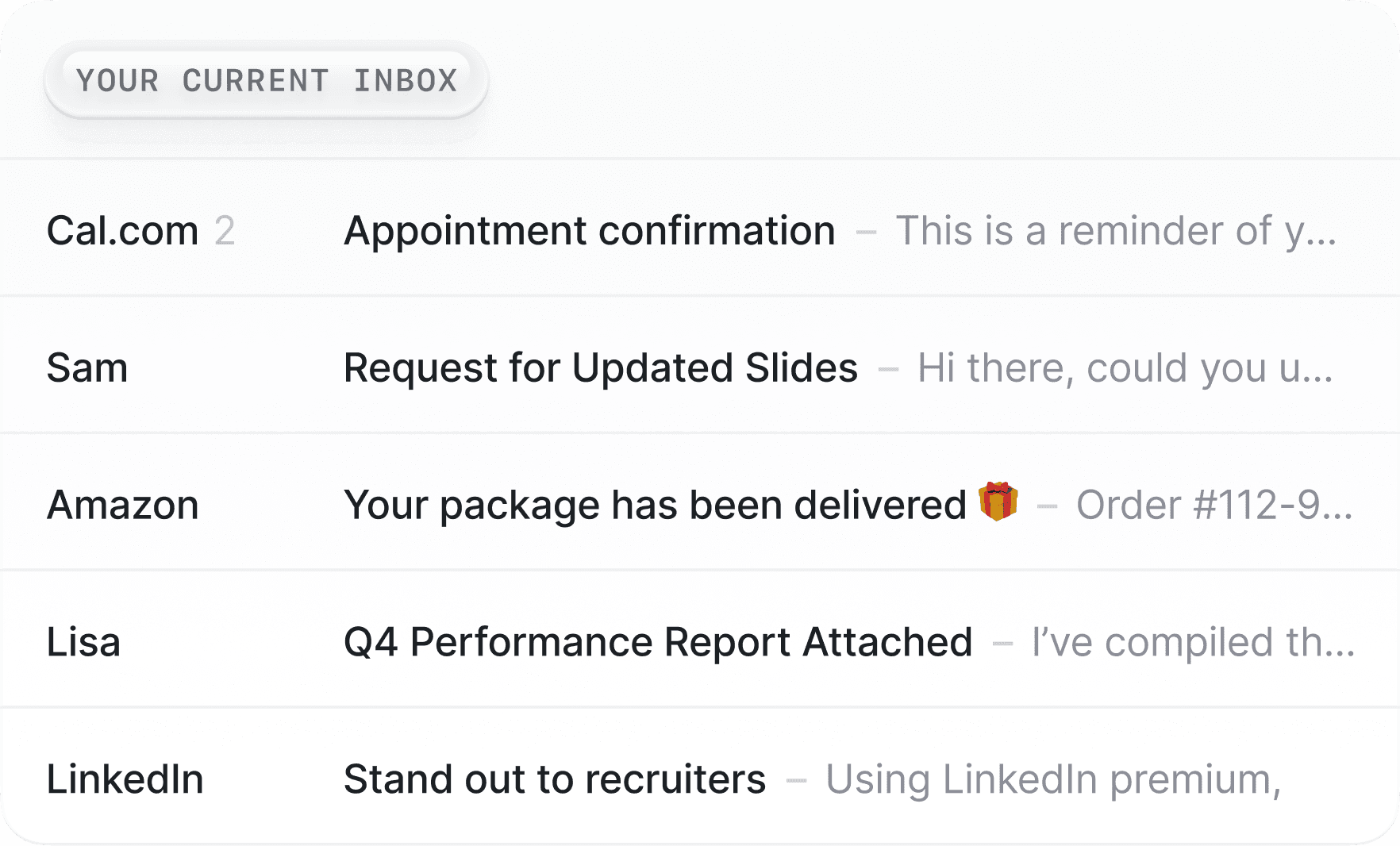
With the current Gemini version in Gmail, you still manually organize every single email. You read it, you decide where it goes, you apply the label, you archive it. Rinse and repeat 150 times a day.
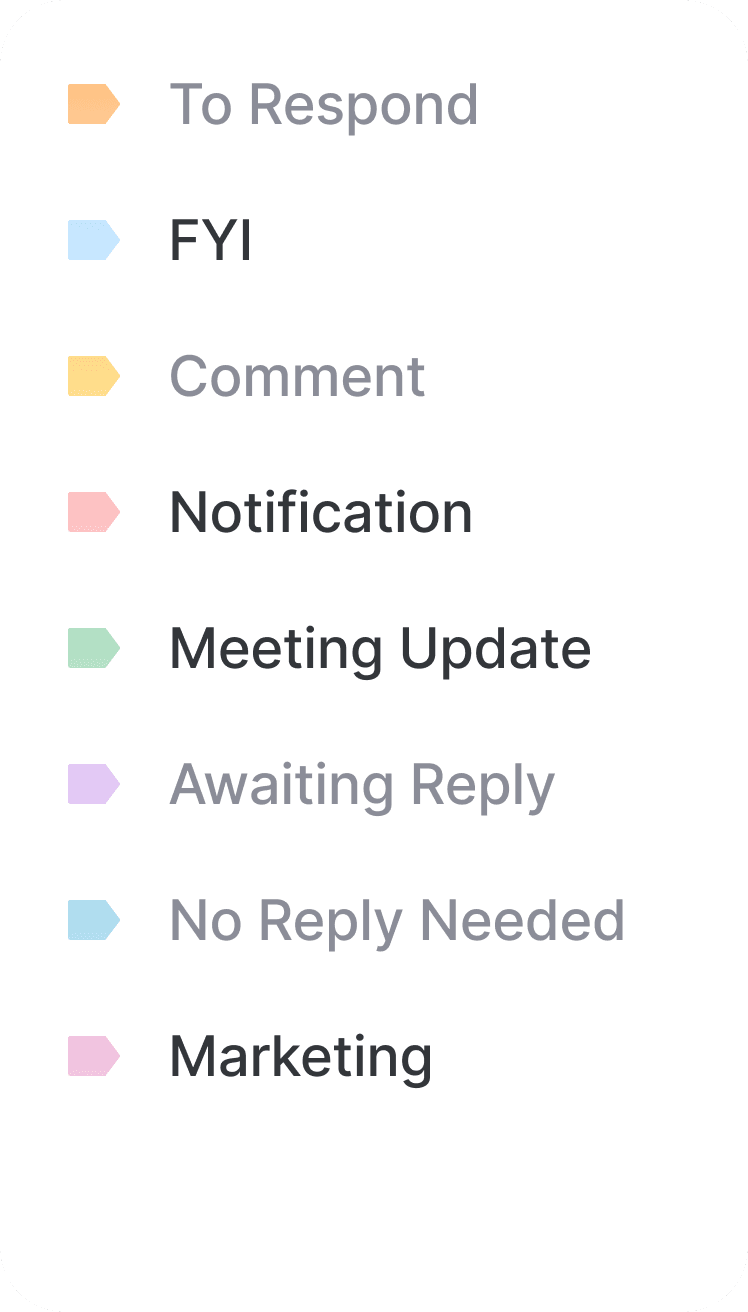
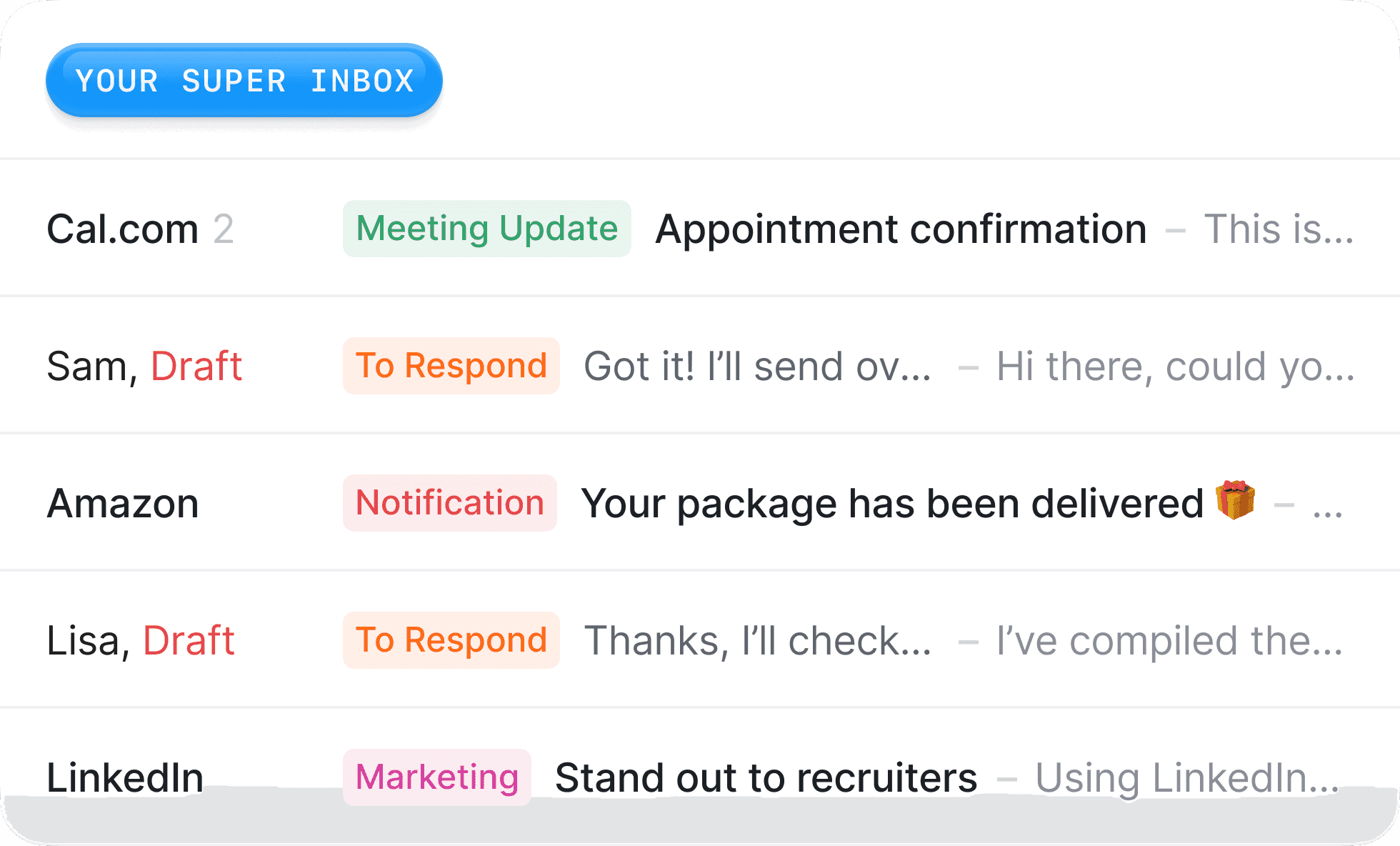
SuperInbox automates your entire inbox organization. Create your labels or folders, write a simple instruction like "All emails about Project Apollo go in the Apollo folder" or "Mark all newsletters as low priority," and the AI handles it forever. You wake up to an organized inbox where everything is already sorted, prioritized, and ready for action. Gemini can't do this, but this a live feature we offer.
Reason #4
Zero Friction vs Constant Prompting
The Gemini workflow is exhausting. Open email, click sidebar, write prompt, wait for response, copy response, paste into compose, edit heavily because it sounds nothing like you, send. For every single email.
The SuperInbox workflow? Open email, read the draft ready for you, send. Sometimes you'll tweak it a bit, but most of the time the AI has already nailed it because it actually knows your style and context. At occasions when you modify the draft before sending it, our AI will We've eliminated the friction, not just moved it to a different part of the interface.
Reason #5
Built for Email vs Built for Everything
Gemini is Google's attempt to put AI everywhere - Docs, Sheets, Gmail, Search, everything. It's a generalist trying to do a specialist's job. It's the same AI that helps you write a poem in Docs trying to help you close a deal in Gmail.
SuperInbox works only in emails, and does is incredibly well. Every feature, every model choice, every piece of our interface is optimized for making your inbox a pleasure to use again. We're not trying to be your creative writing assistant or your spreadsheet analyst. We're laser-focused on eliminating email as a time sink in your day.
Feature Comparison
Feature | SuperInbox | Google Gemini |
|---|---|---|
Pricing | Free tier, then $18/month | $20/month (Workspace) |
Auto-drafting | ✅ Automatic | ❌ Must prompt |
Learns your voice | ✅ Yes | ❌ Generic only |
Knowledge base | ✅ Add documents | ❌ No context |
Auto-organization with labels | ✅ Full automation | ❌ Manual only |
AI models used | Multiple best-in-class | Google only |
Product focus | ✅ Email specialist | ⚠️ Generalist |
Setup time | 5 minutes | Instant but limited |
The Workflow Reality Check
Let's be honest about what actually happens in your inbox with each tool.
Monday morning with Gemini: You have 47 emails. You open the first one, read it, click the Gemini sidebar, type "Write that I agree to the meeting and suggesting Tuesday at 2pm," wait for the generic response, realize it doesn't mention the specific project context from last month's discussion, manually edit it to add personality and context, then send. Multiply by 47.
Monday morning with SuperInbox: You have 47 emails with 47 drafts already waiting. Each one references the right context, suggests actual available times from your calendar, and sounds like you wrote it. You spend 15 minutes reviewing and sending instead of 2 hours writing.
The Personalization Gap
This might be the most important difference. Google Gemini treats every user the same. It has no idea if you're a casual emailer or a sales executive managing 50 deals. It doesn't know if you prefer short, punchy responses or detailed explanations. It certainly doesn't know about your company's specific terminology, your ongoing projects, or your relationship history with each contact.
SuperInbox treats every user as unique. After a week, it knows you end emails to clients with "Looking forward to our continued partnership" but emails to vendors with "Please confirm receipt." It knows you're more formal with C-level executives and more casual with your immediate team. It knows your company calls them "sprint reviews" not "weekly check-ins." This isn't just convenience; it's the difference between sounding like a robot and sounding like yourself.
Who Should Choose What?
Choose Google Gemini if you want basic AI suggestions that require constant prompting and don't mind generic responses that need heavy editing. It's fine for occasional use when you're stuck on wording and don't mind the extra steps.
Choose SuperInbox if you want email to stop being a time sink in your day. If you're drowning in email, if you want responses that actually sound like you, if you want true automation not just suggestions, SuperInbox is built for your needs.
The Bottom Line: Scale vs Specialization
Google built Gemini to democratize AI for 2 billion Gmail users. That's an incredible achievement that requires trade-offs we don't have to make. They have to be generic where we can be specific. They have to be cautious where we can be bold. They have to serve everyone while we can focus on serving busy professionals exceptionally well.
If you're looking for basic AI assistance and you're already in the Google ecosystem, Gemini is a solid choice. It's safe, reliable, and improving constantly.
If you're drowning in email and need AI that truly understands your business, your voice, and your workflow - if you need email to stop being a time sink - that's exactly what we built SuperInbox to solve.
Ready to see what email feels like when AI is built specifically for professionals like you?
FAQ
Can I use SuperInbox if my company uses Google Workspace? Yes! SuperInbox works perfectly with Google Workspace Gmail accounts. You keep all your Workspace features and add our AI intelligence on top.
How does SuperInbox learn my writing style? During your first week, our AI analyzes your sent emails to understand your patterns, common phrases, sign-offs, and tone variations for different recipients. It continuously improves as you use it.
What if I don't want AI to handle certain emails? You have complete control. Set rules for which emails get AI drafts and which don't. Sensitive conversations can be excluded automatically.
Is my data safe with multiple AI models? Absolutely. We never train any AI models on your data. Your emails are processed securely and deleted immediately after generating responses. We're SOC 2 compliant and take privacy seriously.
Can I try it without commitment? Yes, we have a free tier that lets you experience the core features. No credit card required. Google Gemini requires a paid Workspace subscription from day one.